
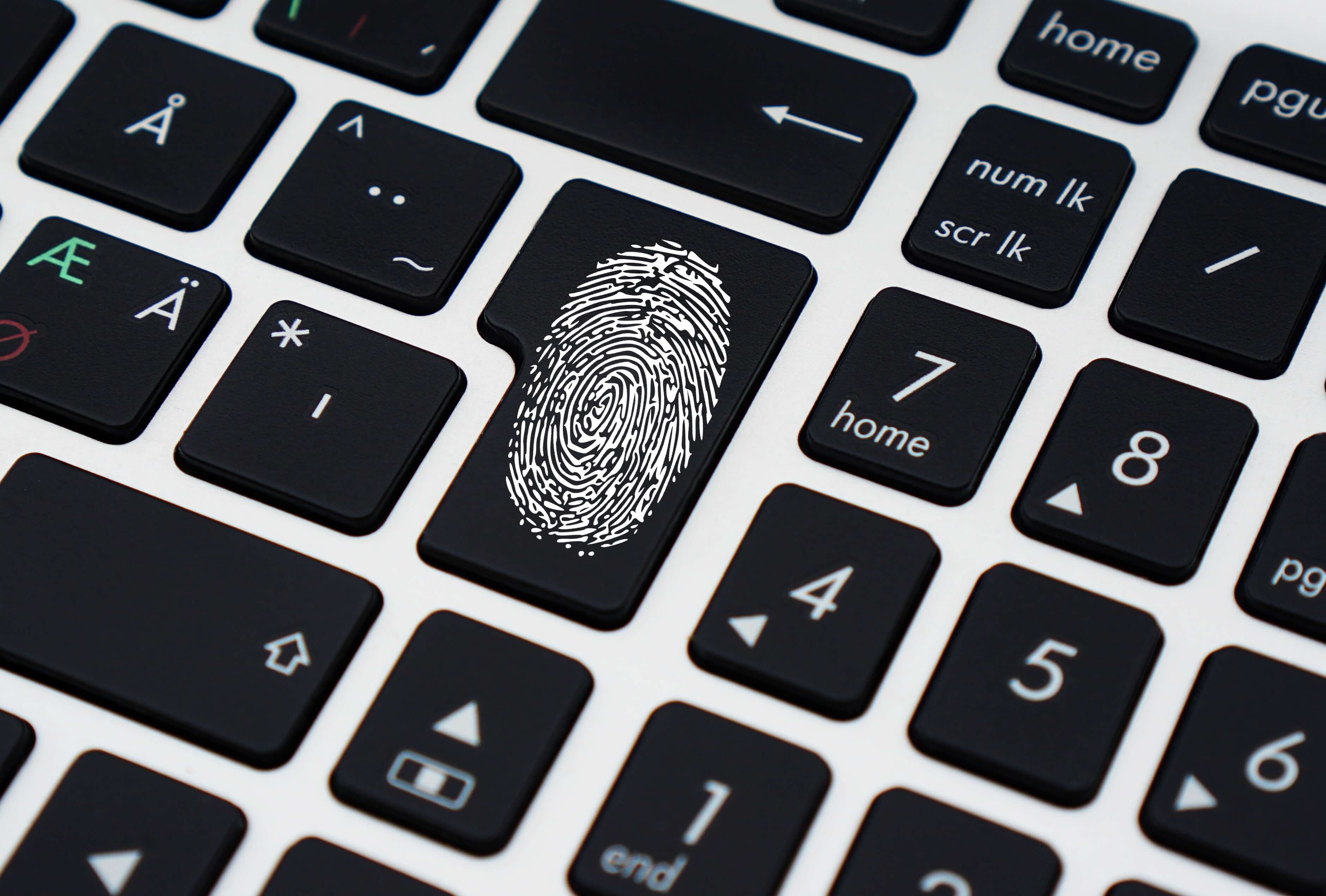
 The way we secure our online identities is undergoing its most significant transformation since existence of the internet. If you have recently seen a prompt on your smartphone or browser asking you to "create a passkey," you are witnessing the solution to a decades-old security flaw.
For years, we have been trapped in a cycle of creating complex passwords, attempting to memorise them, and inevitably resetting them. However, industry experts and major technology platforms now agree: the era of the traditional password is over. The new mantra for the modern web is simple: Forget passwords; passkeys are the future.
Passkeys are a digital replacement for passwords that use public-key cryptography to log you into websites using your face, fingerprint, or device PIN. They are considered to be much safer for beginners because they are impossible to phish, cannot be stolen in a website data breach, and are significantly faster to use than traditional passwords.
What is a Passkey and How Does it Work?
To understand why passkeys are better than passwords, we must first examine the "Shared Secret" vulnerability that has existed for decades.
The Problem with Traditional Passwords
A password is a "shared secret." You know it, and the website’s server knows it. Every time you log in, that secret is transmitted over the web. This creates two critical points of failure:
- Phishing: A fraudster can trick you into typing that secret into a deceptive website.
- Server Breaches: If a company’s database is compromised, your secret is stolen, often allowing hackers to access other accounts where you have reused credentials.
The Science of the Passkey
A passkey is not a word or a code you memorise; it is a pair of mathematical keys that "talk" to each other securely.
- The Private Key: This remains exclusively on your device (your phone, tablet, or laptop). It is never shared with the website.
- The Public Key: This is stored on the website's server. Think of it as a digital padlock that only your specific private key can open.
When you attempt to log in, the website sends a "challenge." Your device uses its private key to sign that challenge and sends it back. Because your private key never leaves your pocket, there is nothing for a hacker to intercept.
Passkey vs Password Security: Why Beginners are Safer
If you are looking for a passkey vs password security comparison, the results are heavily weighted toward modern tech. Security researchers now classify passwords as the "weakest link" in personal safety.
Total Phishing Resistance
Phishing is the most common way UK accounts are compromised. Even sophisticated users can be fooled by an email that looks identical to an official bank notification.
- Passwords: If you are tricked into entering a password on a fake site, the hacker wins.
- Passkeys: They are “domain-bound”. Your device will only communicate with the genuine website. It will refuse to perform the cryptographic handshake with a fraudulent site, even if you think the site is real.
Protection Against Database Leaks
We often hear about major UK retailers leaking user records.
- Passwords: In a leak, hackers gain the ability to "stuff" those credentials into other sites.
- Passkeys: A leaked public key is useless to a hacker. Without your physical device and your biometric verification (Face ID or fingerprint), they cannot access your data.
Built-in Multi-Factor Authentication (MFA)
Usually, to stay safe, you need a password plus an SMS code. This is "friction" that causes many people to turn off security.
- Passkeys: They provide the security of two steps in one action. To log in, you need "something you have" (your device) and "something you are" (your biometric). It is phishing-resistant MFA without the extra effort.
Everything You Need to Know: Transitioning to passkeys in the UK
As tech giants push for a password-less world, several practical questions arise for everyday users.
Can I still use a password if I want to?
As it stands, we are actually in a "hybrid" phase. Most platforms allow you to create a passkey while keeping a password as a backup. However, security experts recommend moving toward password-less authentication as soon as possible to eliminate k own and unforeseen risks.
What if I lose my phone with my passkeys?
This is the most frequent concern for beginners.
- Cloud Synchronisation: Passkeys are backed up in your secure cloud account (such as iCloud Keychain or Google Password Manager).
- Recovery: If you get a new phone, you simply log into your cloud account, and your passkeys are restored. You are never "locked out" as long as you have access to your primary cloud recovery methods.
How to Set Up Passkeys: A 5-Step Guide
Transitioning to a password-less sign-in is surprisingly simple:
- Update Your Software: Ensure your smartphone and laptop are running the latest updates.
- Navigate to Security Settings: Log into a major service (Amazon, eBay, or Google).
- Find the "Passkey" Option: Look for a button that says "Create a Passkey" or "Use Passkeys."
- Verify Your Identity: Your device will prompt you for your fingerprint, face scan, or screen lock PIN.
- Experience the Future: The next time you visit that site, you won't see a password box. One touch, and you are in.
The Verdict: Why the Switch is Essential
The shift toward passkeys represents the most significant improvement to online privacy in a generation. We are moving away from a system that relies on human memory -which is considered flawed - to a system that relies on mathematical certainty.
Data shows that passkey logins are not only safer but twice as fast as typing a password. In a world where AI-driven cyber-attacks are becoming more common, the cryptographic protection of a passkey is the only way to ensure your digital identity remains your own.
Forget passwords; passkeys are the future. Start your migration today and reclaim your digital peace of mind.
At Solid Rock IT UK, we help London businesses and individuals transition to a more secure, password-less future. Our expert consultancy focuses on implementing phishing-resistant passkeys to replace vulnerable legacy passwords.
Our comprehensive services include:
- Strategic Migration: Auditing your systems and moving accounts to passkey authentication.
- Ecosystem Integration: Ensuring seamless synchronisation across Windows, macOS, iOS, and Android.
- Security Training: Staff workshops to improve login success rates and digital hygiene.
- Recovery Planning: Setting up robust backups to prevent account lockout if devices are lost.
- Managed Vaults: Supporting hybrid environments with professional-grade passkey managers.
Don't let "password headaches" hinder your productivity. Contact Solid Rock IT UK today for expert IT support and future-proof your cybersecurity.